OpenZhenZhen AI Prompt Gallery · Claude Opus 5.5 · video
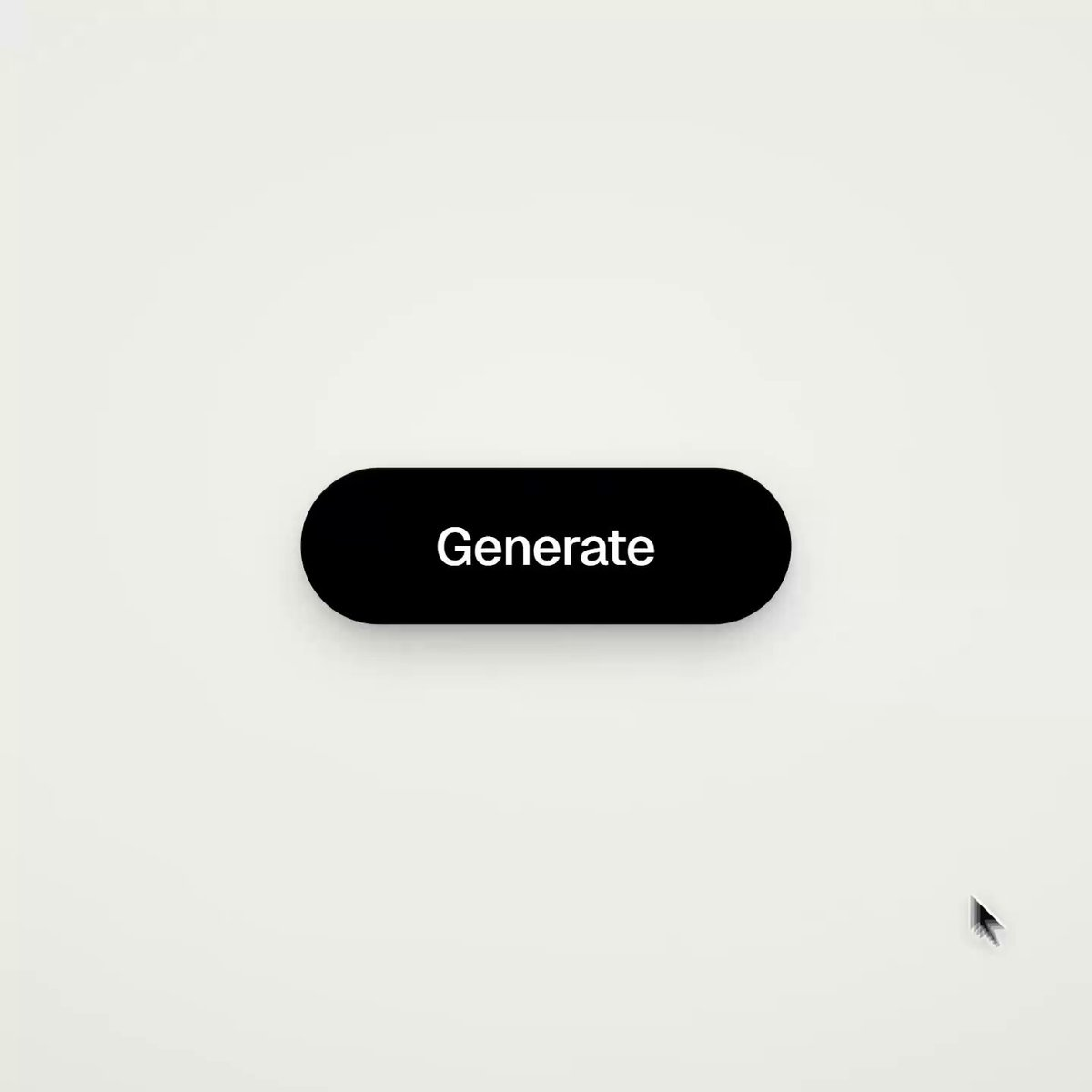
UI Motion Effects Generated Purely with Code
UI Motion Effects Generated Purely with Code — explore this Claude Opus 5.5 creation on OpenZhenZhen, with its original prompt and a reusable generation example.
Prompt
English prompt
<inputs> Ask me for: 8 to 12 UI states the shape should turn into (e.g. button, loader, player, slider, toggle, tabs, chart, command palette, toast), a pure black-and-white palette or one accent color, and a royalty-free track around 120 BPM (e.g. from Mixkit, free for commercial use). </inputs> <direction> Dribbble-level UI motion. One shape, no cuts: each state is the same element changing size, radius and color, while its content swaps with a quick blur. A cursor triggers every change through actual clicks and drags. Use a light warm-gray canvas, black-and-white components and one clean UI font (Geist). Springs throughout, with only a slight overshoot. Zoom the camera so each state fills the frame. Match the final frame to the first for a seamless loop. Banned: bouncy easing, particle bursts, glows, gradients on UI chrome, inconsistent icon strokes, dead time, anything that feels like a template. </direction> <structure> 120 BPM, 7 bars, with an action on every beat. Button → loader → check → dynamic island → music player with a play/pause morph → scrub the progress bar → it turns into a volume slider that stretches when dragged past max → a toggle switches on the beat → its knob becomes a liquid tab indicator → the tabs expand into a chart that draws itself, with a tooltip on hover → it folds into ⌘K → type to filter → enter → toast → back to the button. </structure> <build> 1. One HTML file, square 1440x1440. Compute every style from time inside seek(t): no CSS transitions, timers or state carried between frames. 2. Use closed-form step responses for springs. If a value changes target multiple times, add one spring for each change so it remains a pure function of time. 3. Give the tab indicator’s two edges separate springs, letting the leading edge stretch ahead of the trailing one. Use the same approach for the toggle knob. 4. Make drags direct: while the cursor is held down, calculate the value from its position. On release, spring back from that position. 5. Analyze the song with numpy to find the beat grid and begin on a downbeat. Position each UI sound using its measured peak. 6. Render with Playwright: 4 subframes per frame, blended with ffmpeg tmix for motion blur at 60fps. 7. Render one frame per beat before the full render. Fix anything off-grid, cramped or difficult to read. </build> <gotchas> Don’t use will-change on anything the camera scales, or the text will look blurry. Text swapping inside a morphing container needs separate enter and exit timing to avoid overlap. Make the final frame identical to the first including cursor position and speed or the loop will stutter. </gotchas> <start> Ask me for the inputs, then show me the state list on the beat grid before writing any code. </start>
Topics and styles
Explore more AI image and video prompts · Try image generation · Try video generation · Create on the AI canvas
Related works
- Clay Astronaut: Suitcase Left, Wrench Right, Back in Place
Clay Astronaut: Suitcase Left, Wrench Right, Back in Place — explore this MiniMax H3 creation on OpenZhenZhen, with its original prompt and a reusable generation example.
- Scabbard Set Down, Picked Up, and Aligned for Sheathing
Scabbard Set Down, Picked Up, and Aligned for Sheathing — explore this MiniMax H3 creation on OpenZhenZhen, with its original prompt and a reusable generation example.
- Katana laid flat on the floor after turning and switching hands
Katana laid flat on the floor after turning and switching hands — explore this MiniMax H3 creation on OpenZhenZhen, with its original prompt and a reusable generation example.
- Female chef sliding the pot lid and lifting the glass lid
Female chef sliding the pot lid and lifting the glass lid — explore this MiniMax H3 creation on OpenZhenZhen, with its original prompt and a reusable generation example.
- Samurai sword lowered, then re-sheathed by the red hilt
Samurai sword lowered, then re-sheathed by the red hilt — explore this MiniMax H3 creation on OpenZhenZhen, with its original prompt and a reusable generation example.
- Blue Cup Around the Wooden Divider into the Empty Tray
Blue Cup Around the Wooden Divider into the Empty Tray — explore this MiniMax H3 creation on OpenZhenZhen, with its original prompt and a reusable generation example.